Set up your household
Create an account
Open Weave and sign up with your email. You’ll land on a quick welcome flow.
Name your household
Give your family a name — this is the shared space everyone joins.
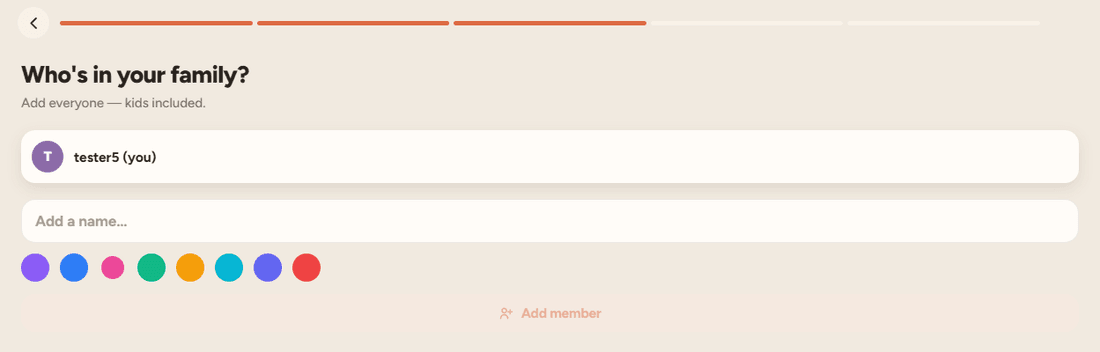
Add family members
Add each person and pick a colour for them. Their colour follows them across the calendar, threads and lists.
Invite the rest of the family
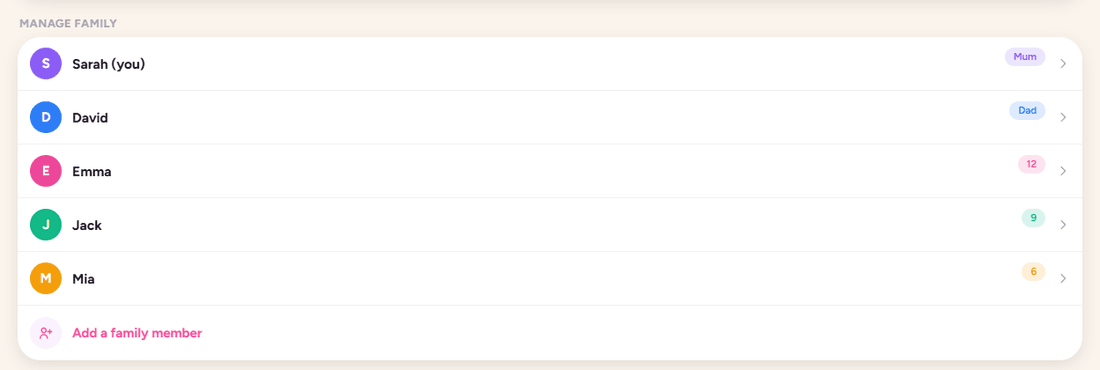
Open Settings → Manage family
Find the invite option under your household settings.
Share the invite link
Send the link by message or email. Each person installs Weave and taps it to join.
Everyone’s in sync
Once they join, they instantly share the same calendar, threads and lists — no extra setup.
Add an event
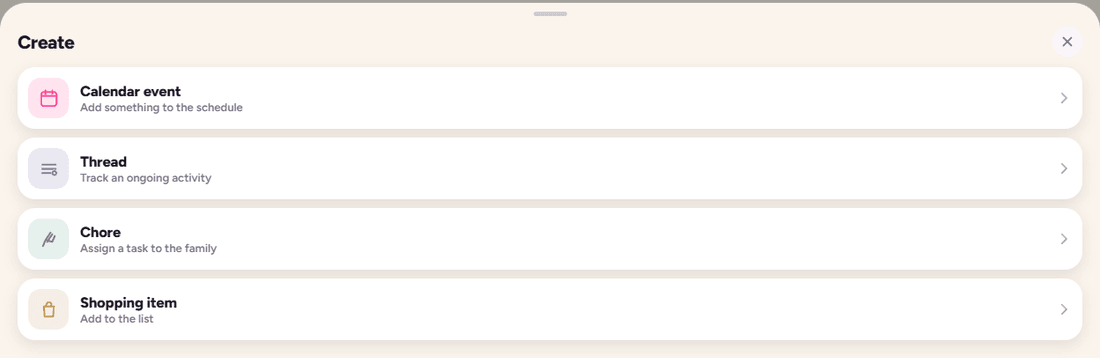
Tap Quick Add (the + button)
It’s always within reach at the bottom of the screen.
Enter the details
Add a title, date and time, then choose who it’s for. Pick a colour or link it to a thread.
Save
The event appears on the shared calendar in month, week and day views for everyone.
Organise an activity with Threads
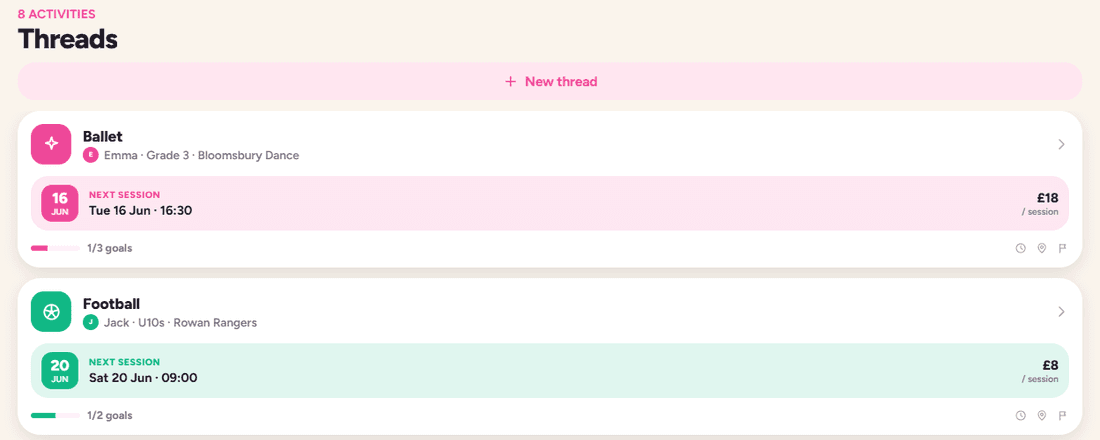
Create a thread
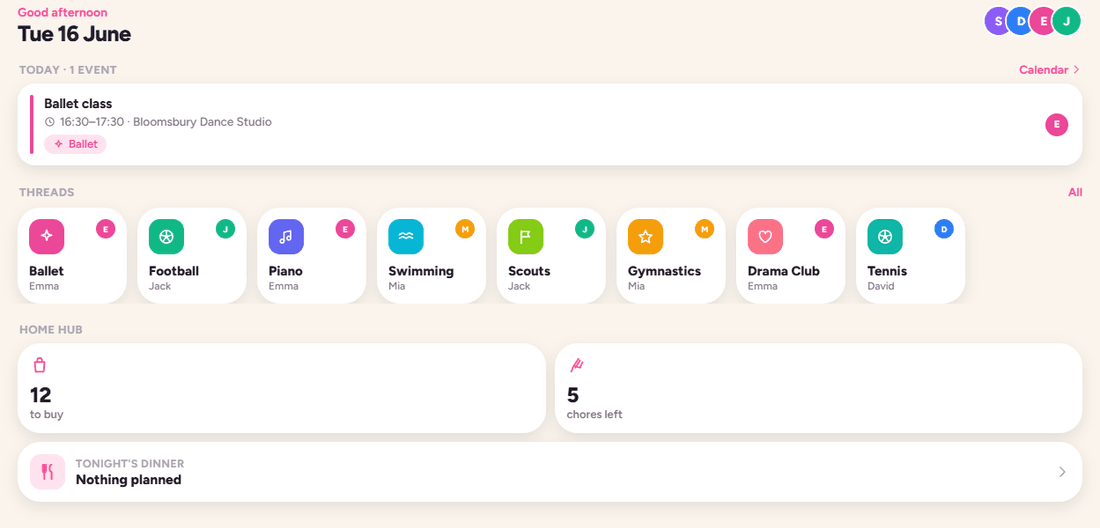
From the Threads tab, add a new thread for a recurring activity — ballet, football, piano.
Add details that matter
Give it a colour and icon, then add notes, kit lists or custom fields (coach, location, cost).
Link events to it
Attach sessions to the thread so its timeline shows what’s past and what’s next at a glance.
Use the Hub for shopping, chores & birthdays
Open the Hub
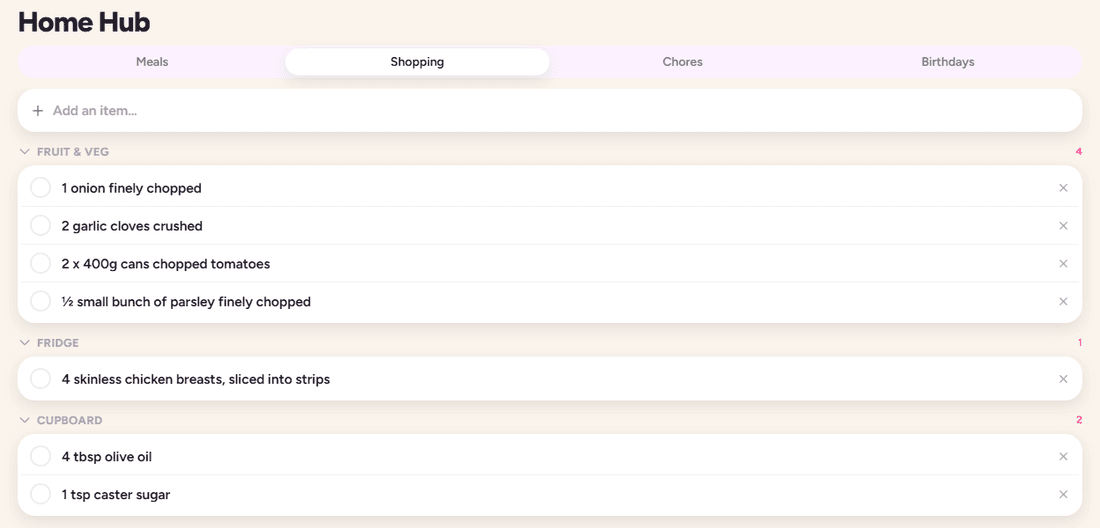
Find shared shopping lists, chores and birthdays in one place.
Add to a shared list
Anyone in the household can add or tick off items — the list updates for everyone live.
Assign chores & track birthdays
Rotate chores between members and let Weave remind you before birthdays arrive.
Turn on reminders
Allow notifications
When prompted, enable notifications so Weave can nudge you about what’s next.
Set reminders per event
Choose how far ahead you want to be reminded when creating or editing an event.
Stay ahead of the day
Weave sends gentle, timely nudges — the swim bag, the early pickup, the gift to buy.
Read your Insights
Open the Insights tab
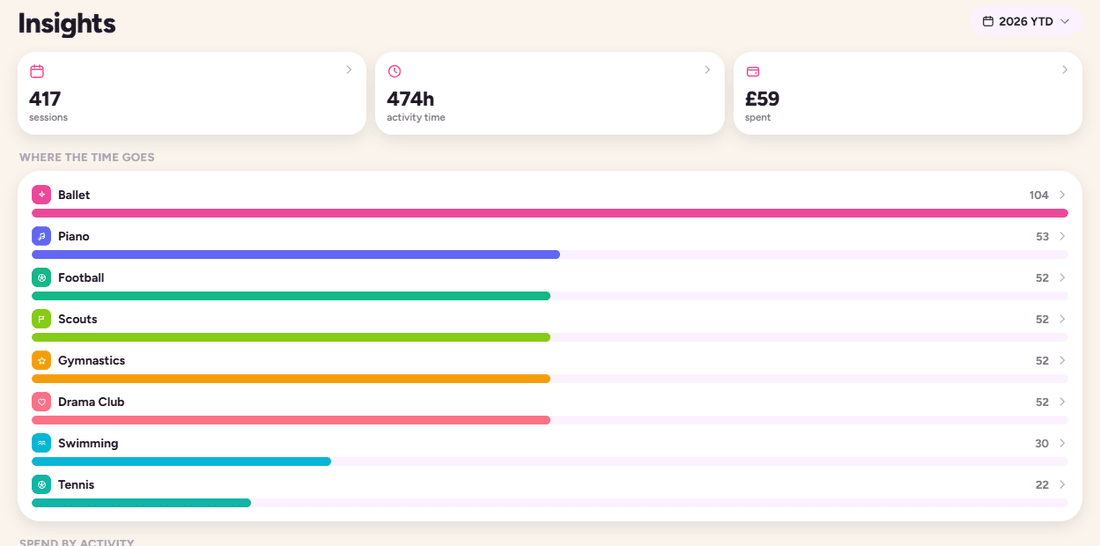
See a clear overview of where your family’s time and money go.
Explore by person or activity
Tap into a member or a thread to see their share of the week.
Spot patterns
Use the trends to rebalance a hectic week or rein in a runaway budget.
Still stuck or have a question? Email us at hello@weavecalendar.com — we’re happy to help.